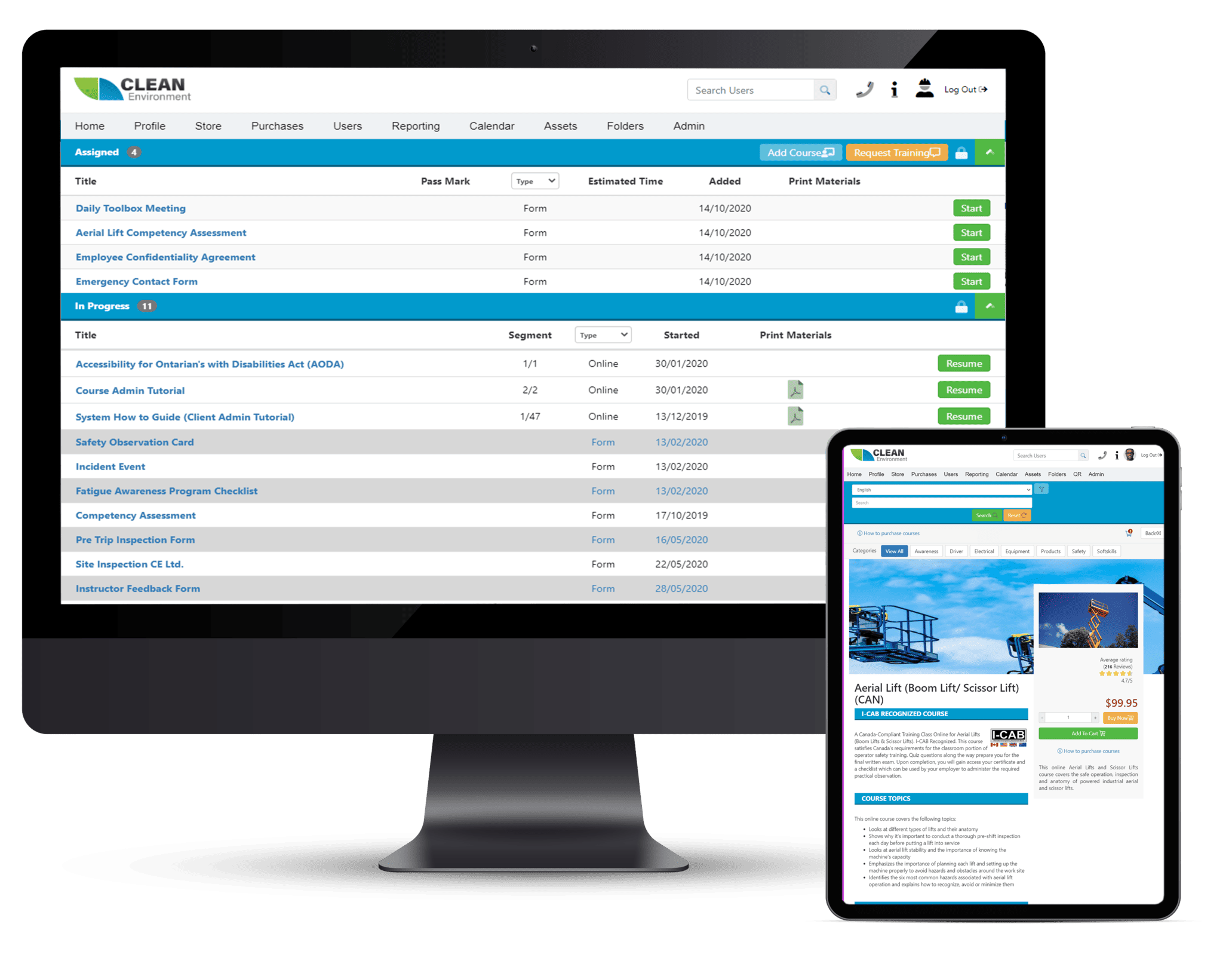
Learning Management System (LMS)
Build and deliver courses, tests, and certificates with centralized training administration.
- Build your own courses and certificates
- Central administration of your training

Powered by BIS
Assign training, track certifications, and manage compliance records in one place. For safety managers and training coordinators overseeing multiple workers or locations.
Safe + Sound is an authorized BIS partner. We can help you evaluate, purchase, and get started.
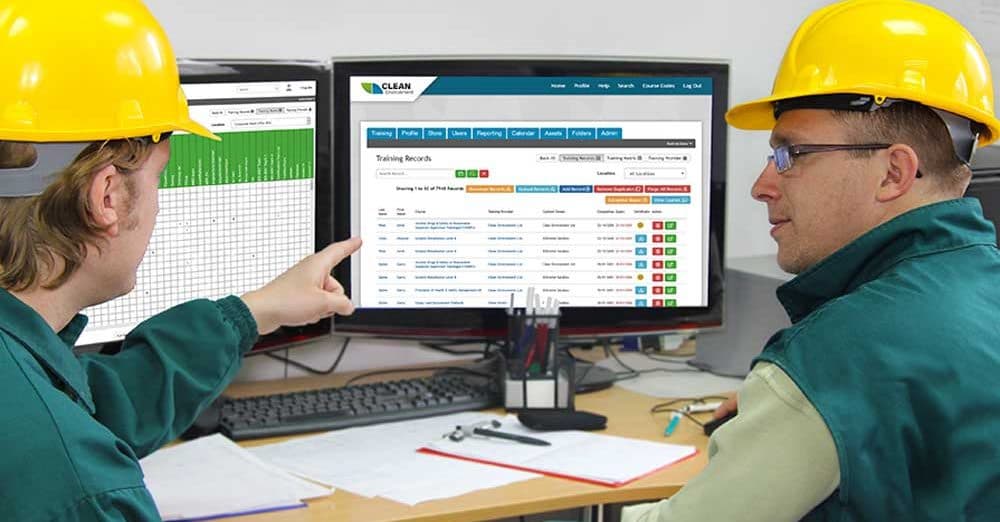
If you're managing safety training for a team, you've probably run into some of these.
Certifications expire without warning
Without automated tracking, lapsed training often goes unnoticed until it's a problem.
Records live in too many places
Spreadsheets, emails, filing cabinets — it's hard to know who's current on what.
Multiple locations, multiple systems
When each site tracks training differently, getting a company-wide view takes real effort.
Audits mean digging through files
Pulling records for an inspector or internal review shouldn't take days.
Training assignments, completion records, expiry dates, and compliance reports — all in one place.
The BIS Safety Management System includes several modules you can use together or separately. Each page below has a short video and downloadable feature sheet.
Build and deliver courses, tests, and certificates with centralized training administration.
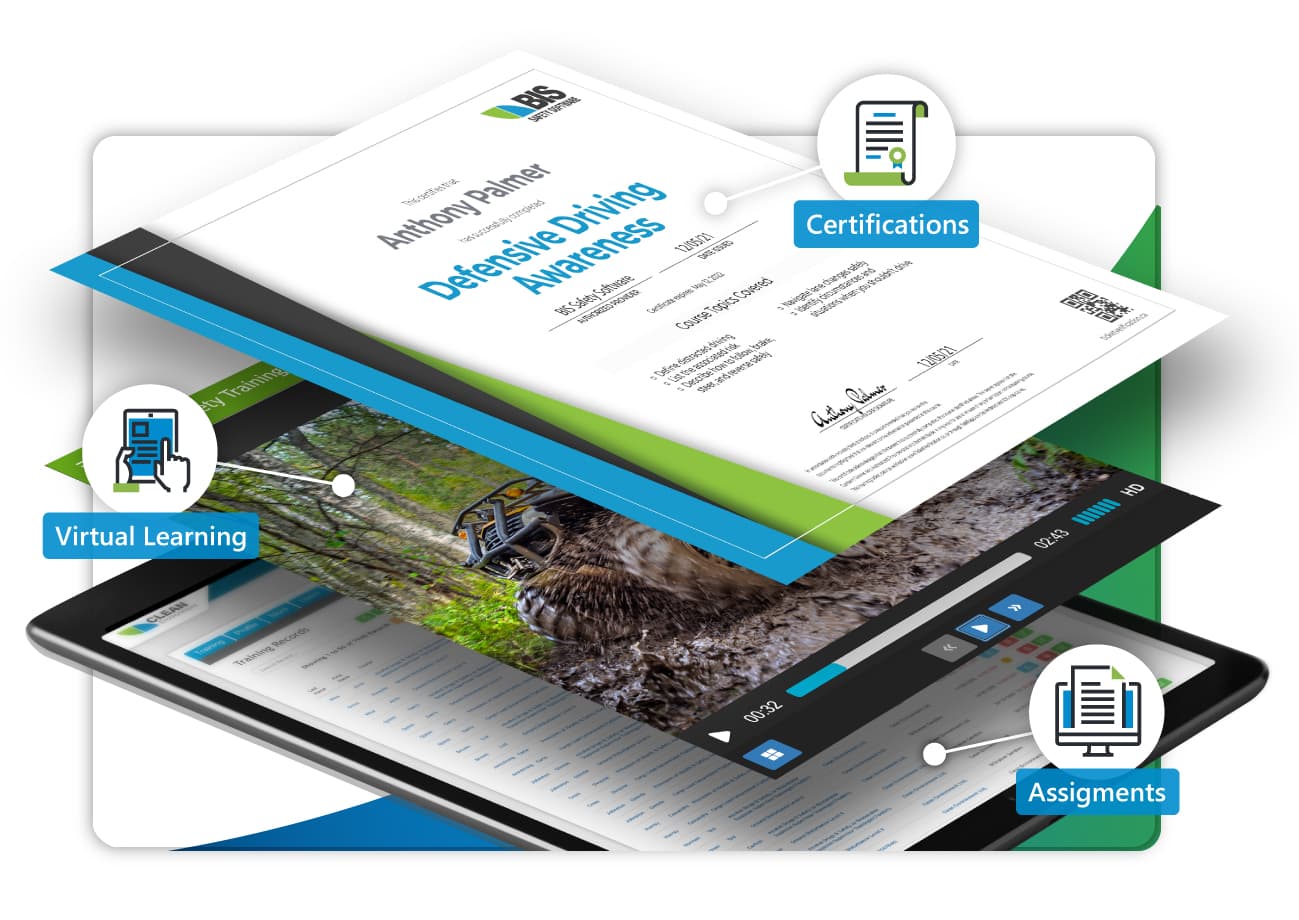
Upload and organize records from multiple systems, remove duplicates, and report training gaps.
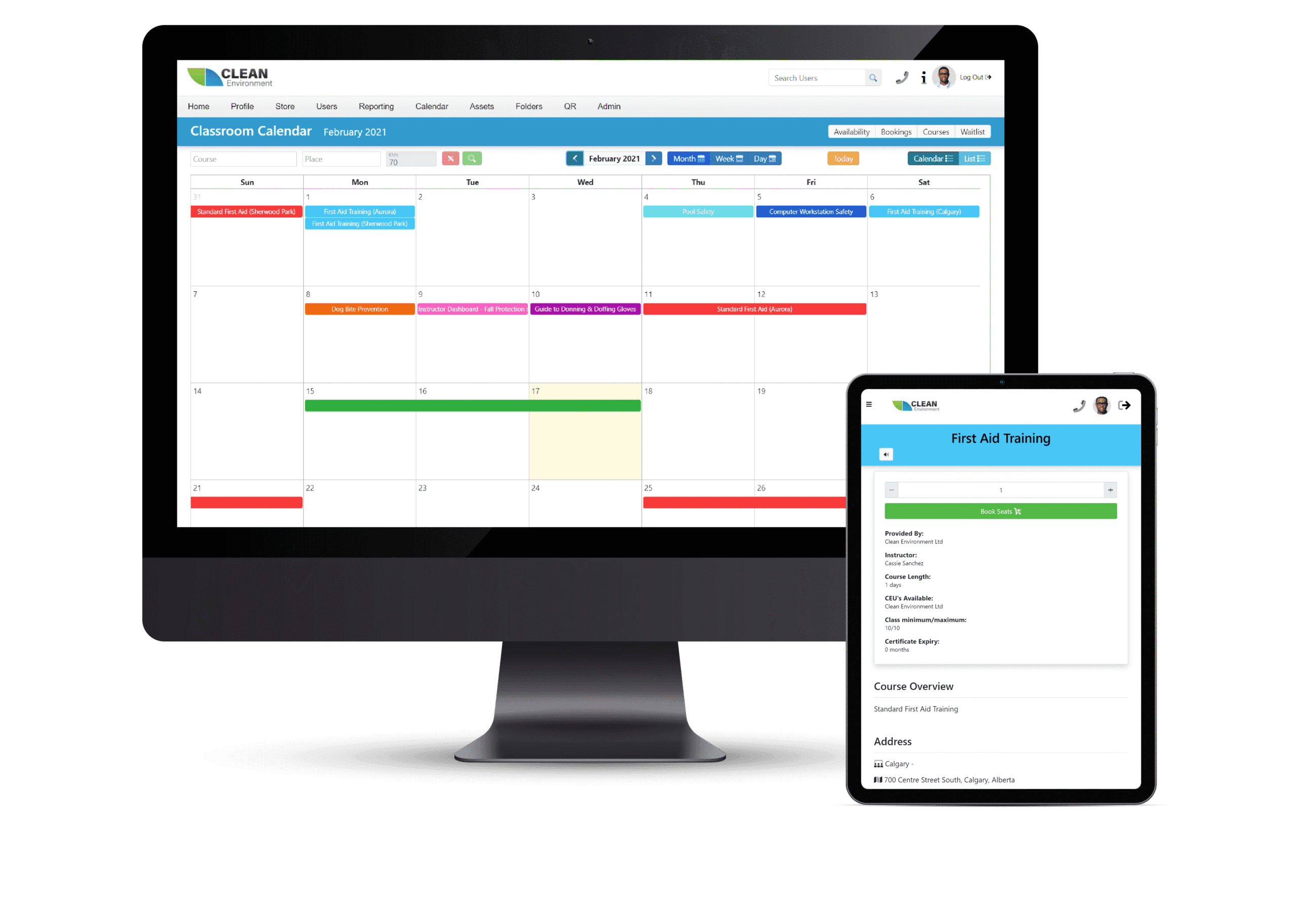
Manage classroom schedules, instructor availability, registrations, and virtual/hybrid delivery in one place.
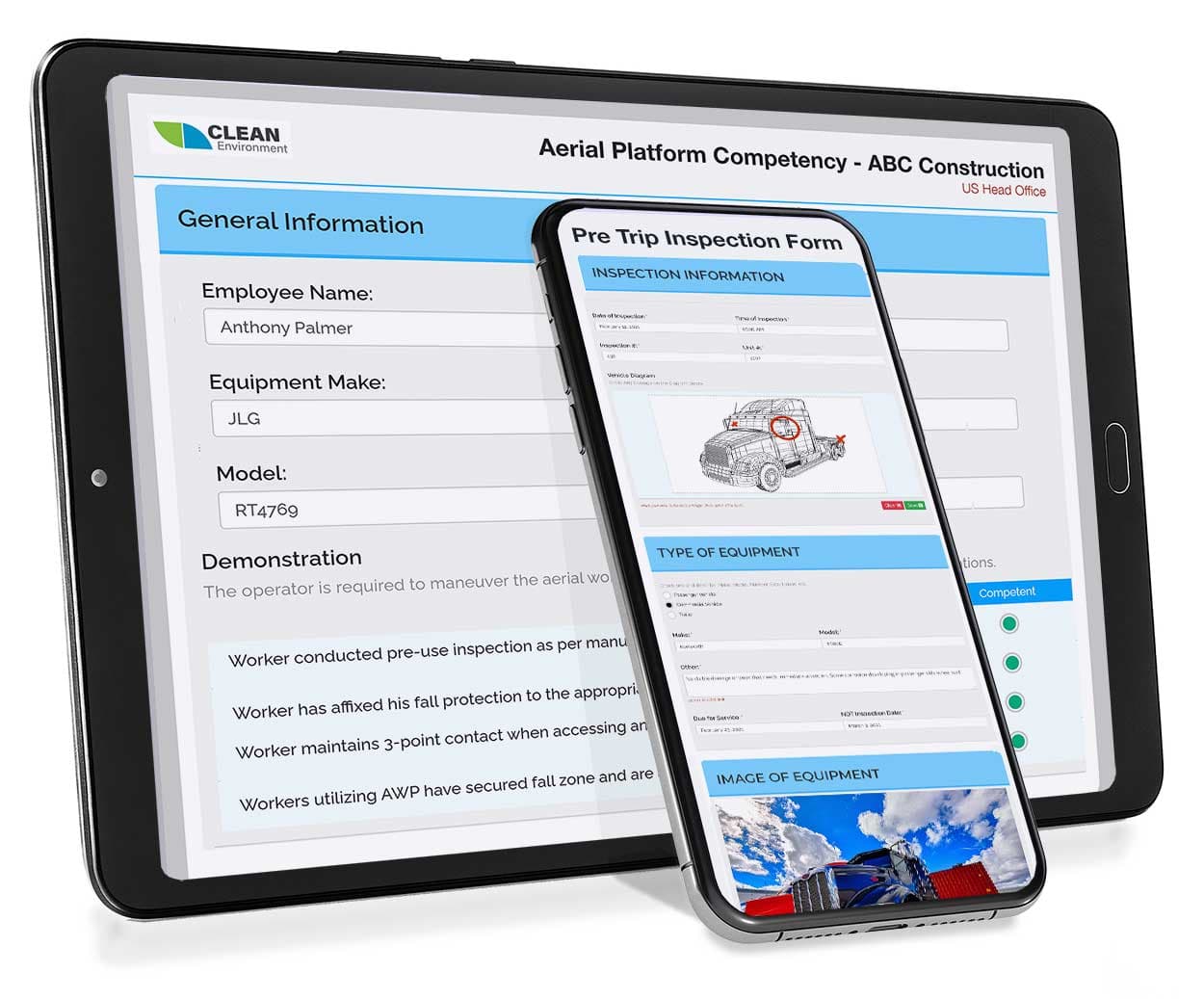
Create and deploy safety forms with templates for hazards, talks, inspections, audits, incidents, and more.
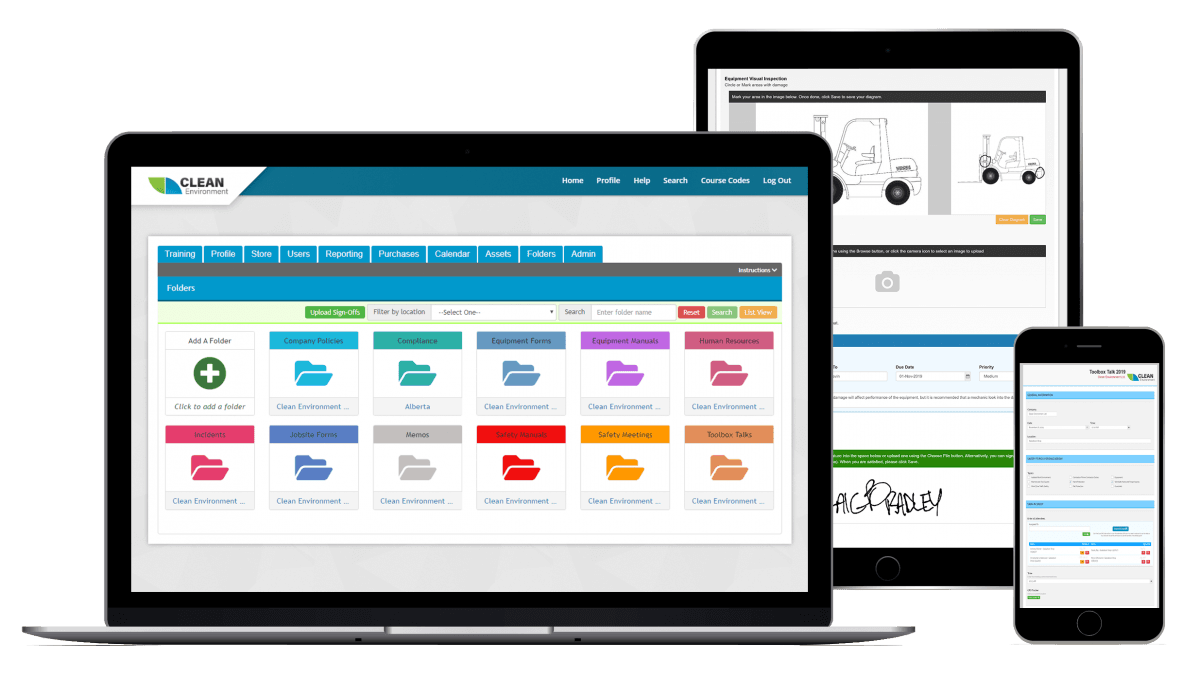
Store safety and compliance documentation with workflows for review, approval, signoff, and access control.
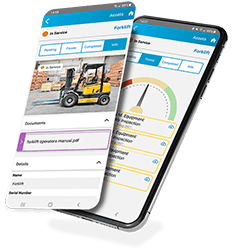
Track assets, link inspections and training, and manage equipment tasks across categories.
BIS handles the setup so you can focus on your team.
Discovery Call
Talk with Safe + Sound and BIS to review your team structure and training needs.
System Setup
BIS configures your branded system and imports your existing records.
Go Live
Start assigning training and tracking compliance.
Pricing depends on your team size and which modules you need. We can set up a call with BIS for a walkthrough and quote — usually about 20 minutes.